Text to Video
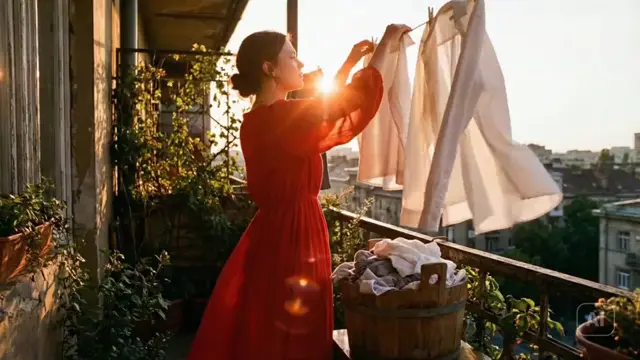
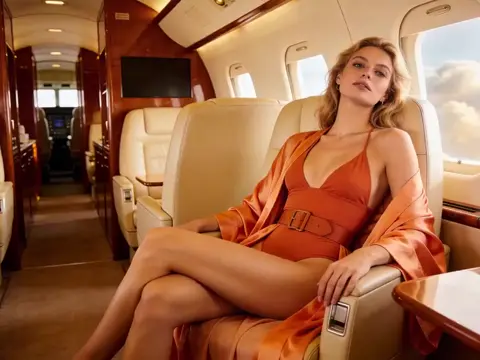
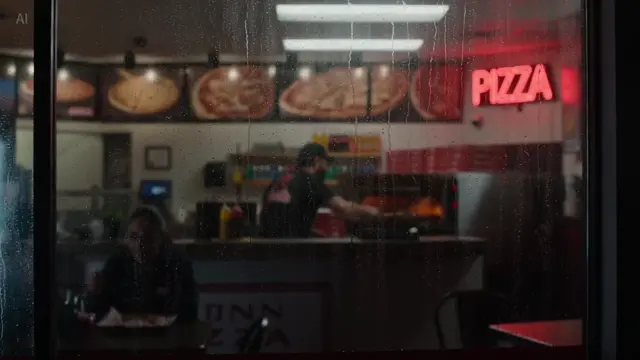
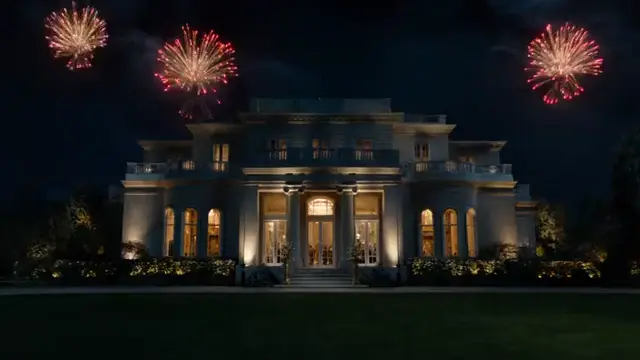
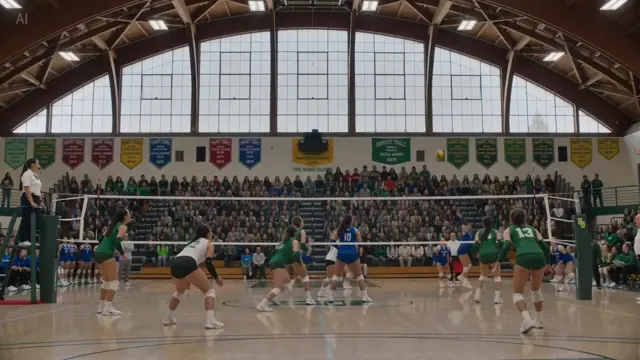
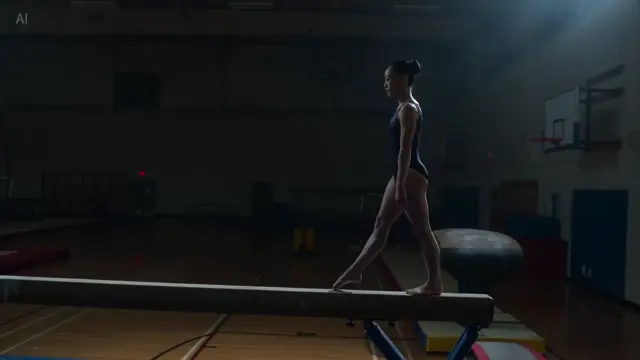
Explore AI-generated video examples created with SeedGen and supported Seedance AI technology, including Seedance 2.5. Browse cinematic scenes, product videos, character animation, image-to-video results, reference-driven workflows, and videos with native audio.
The SeedGen AI Video Showcase is designed to help you see how different ideas translate into finished video. Open an example to inspect the available prompt and model information, find techniques you want to reuse, then apply them to your own project.
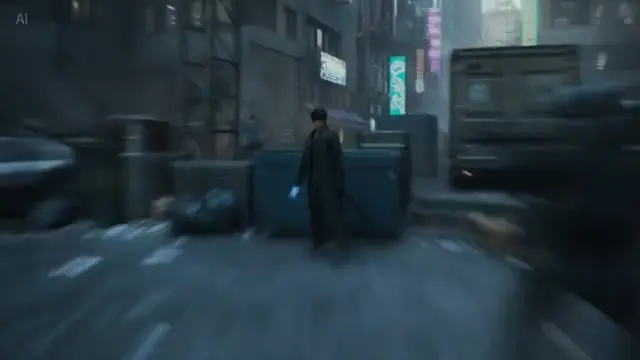
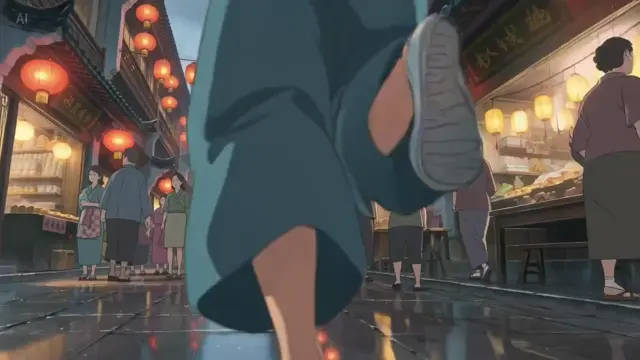
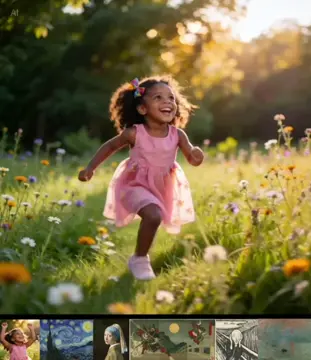
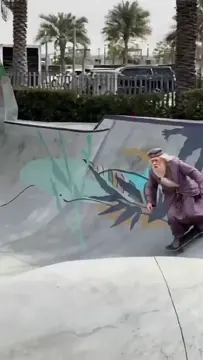
Prompt-driven cinematic outputs generated by SeedGen. Animate still references into coherent motion and style.
LEARN FROM THE EXAMPLES
AI video quality is easier to evaluate when you can watch complete examples instead of reading a feature list.
The gallery above brings together different AI video examples created through SeedGen workflows. Some begin with text alone, while others use an image or additional references to provide more control over appearance, movement, style, or sound.
When model information is available, each example is labeled so you can understand which Seedance technology was used.
Do not judge an example only by how sharp the opening frame looks. Watch how the complete scene develops. Look for consistent subjects, believable movement, controlled camera behavior, stable environments, and whether the final result follows the original creative direction.
SEEDANCE 2.5
Seedance 2.5 makes it possible to build more complete scenes from text, images, video, audio, and other creative references.
The Seedance 2.5 examples in this Showcase can help you evaluate how the workflow handles longer actions, character and product consistency, camera movement, multimodal direction, and native sound.
A simple generation may use only a prompt. A more controlled project might combine a product image with an environment reference, a motion example, and audio direction.
That flexibility is useful when you want the final result to follow an existing creative brief instead of leaving every decision to the model.
If you want to test these capabilities with your own idea, open the Seedance 2.5 AI Video Generator.
WORKFLOWS
Different starting materials create different types of control. The Showcase includes examples from several common AI video workflows.
Text-to-video is the most flexible starting point when you have an idea but no source image.
A good video prompt can define the subject, action, environment, camera direction, lighting, pacing, visual style, and sound. This makes text-to-video useful for cinematic concepts, social content, advertising ideas, B-roll, storyboarding, and creative experimentation.
When browsing text-to-video examples, pay attention to how clearly the scene progresses from beginning to end.
Image-to-video starts with an existing visual.
That image may define a character, product, illustration, location, composition, or campaign asset. The prompt then focuses more heavily on motion, camera behavior, timing, and what should remain visually consistent.
For image-to-video examples, compare the original visual identity with the generated result. A useful output should introduce movement without unnecessarily changing the subject that made the source image valuable.
Reference-driven workflows are useful when a prompt and one image are not enough.
Different inputs can help communicate different parts of the creative brief. A character reference can establish identity, a product image can preserve appearance, a video can demonstrate motion, and audio can guide timing or atmosphere.
The goal is not to use as many references as possible. Each reference should solve a specific creative problem.
For a deeper workflow, read our Seedance 2.5 References Guide.
Sound can make the difference between a moving image and a complete scene.
Native audio workflows can add environmental ambience, object sounds, movement cues, dialogue, or other scene-aware audio alongside the visuals.
When watching examples with sound, check whether audio events match what happens on screen and whether the ambience fits the environment rather than feeling disconnected from it.
QUALITY CHECK
A visually impressive clip is not automatically a useful result. When comparing AI-generated videos, focus on several areas.
01
Does movement feel natural and intentional rather than unstable or random?
02
Do characters, products, clothing, objects, and environments stay recognizable throughout the clip?
03
Does the camera follow the requested movement without becoming unnecessarily chaotic?
04
Does the finished video actually match the requested subject, action, setting, and creative direction?
05
Do backgrounds, lighting, props, and spatial relationships remain reasonably stable?
06
If sound is present, does it support the visible action and environment?
These details become especially important when the video is intended for advertising, ecommerce, storytelling, or other production work where a beautiful mistake still cannot be used.
USE CASES
The Showcase can also help you find ideas for your next project.
Animate product photography, create rotating product reveals, build lifestyle scenes, or explore advertising concepts while preserving important visual details.
Experiment with locations, lighting, camera movements, characters, and scene progression before committing to a larger production.
Create short concepts for Reels, TikTok, Shorts, paid social campaigns, and branded content.
Use character references and controlled prompts to explore recurring characters, dialogue scenes, actions, and different environments.
Combine products, locations, motion, sound, and visual references to explore multiple campaign ideas without producing every concept traditionally.
Use AI video to test framing, camera direction, pacing, environments, and action before a physical shoot or larger production.
FROM IDEA TO VIDEO
Start with an example that resembles the result you want.
Then identify why you like it.
Is it the camera movement? The character consistency? The lighting? The pace? The reference structure? The sound design?
If a real prompt is available, use Copy Prompt to study its structure. Replace the original subject and creative details with your own rather than copying the example unchanged.
For a complete workflow covering prompts, references, settings, generation, and refinement, read How to Use Seedance 2.5.
You can also browse AI video prompt examples when you prefer to start with a written idea instead of a finished result.
The best Showcase example is the one that gives you an idea you want to test.
Choose a video, inspect the available prompt and workflow, identify the techniques worth keeping, and adapt them to your own project.
Start creating with the Seedance 2.5 AI Video Generator, browse more AI video prompts, or follow the complete Seedance 2.5 guide.
The SeedGen AI Video Showcase is a collection of AI-generated video examples that demonstrate different SeedGen and supported Seedance workflows, including text-to-video, image-to-video, reference-driven creation, and examples with audio where available.
No. SeedGen supports multiple Seedance technologies. Where reliable model information is available for an example, the model should be clearly labeled.
When a real prompt is stored with an example, you can open the example to view or copy it. SeedGen does not need to invent prompts for examples where the original prompt is unavailable.
Yes. Use the example as creative inspiration, review its prompt and workflow where available, then change the subject, references, camera direction, environment, and style to fit your own project.
The Showcase can include cinematic videos, product content, character scenes, text-to-video, image-to-video, reference workflows, social content, advertising concepts, and videos with native audio.
Yes. Videos generated with SeedGen can be used for commercial projects, subject to the SeedGen Terms and any applicable model-specific or third-party restrictions. You must have the necessary rights to the content you upload or use as a reference.